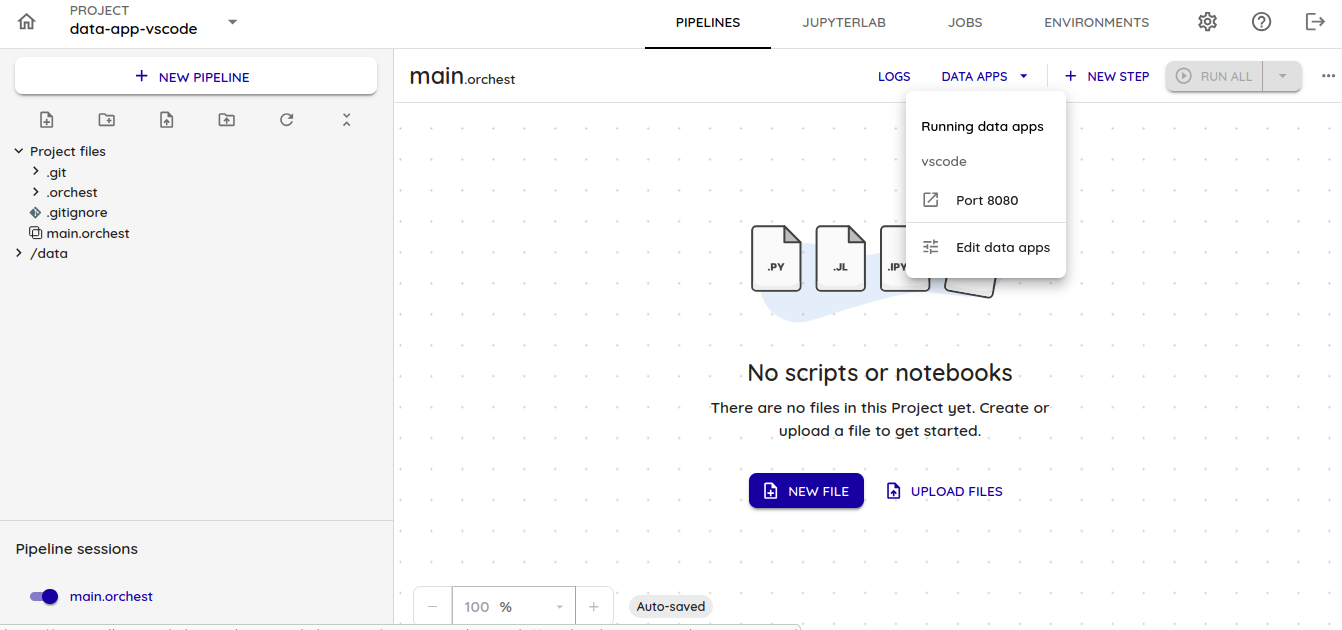
Using the `code-server` Image in Your Project to Access VS Code
In this guide, you will learn how to use the codercom/code-server:latest image provided by our team to run VS Code in the Intelligence module without additional setup.
Prerequisites
- Have a Dadosfera user account.
- Have access to the Intelligence module.
- Have a project created in the Intelligence module.
Creating a service for the project: Data Apps -> Edit Data Apps
- Click
DATA APPS.
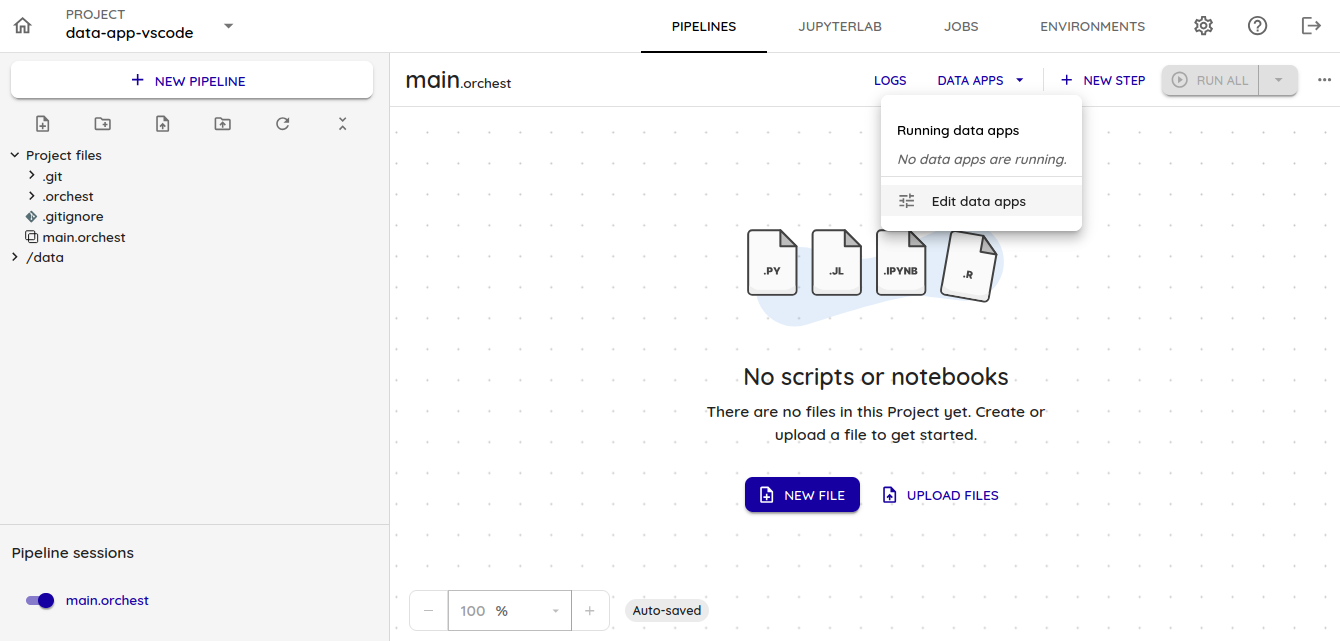
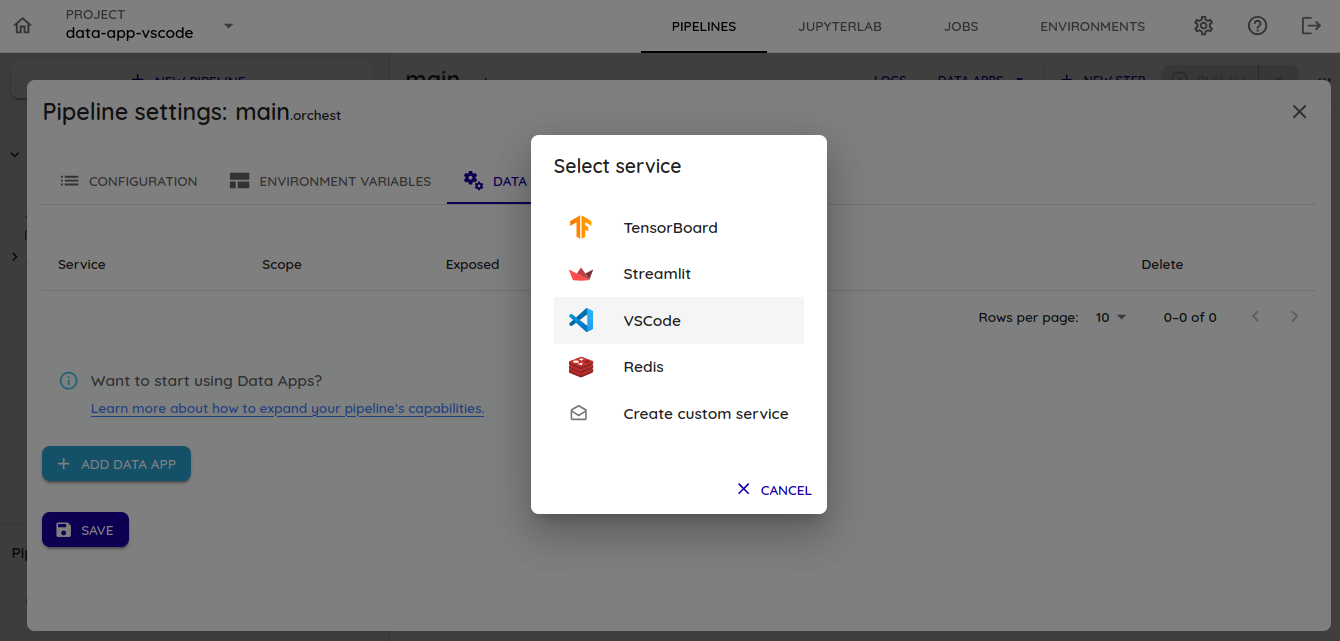
- Add a new VS Code service in
Add Serviceand select the VS Code option.
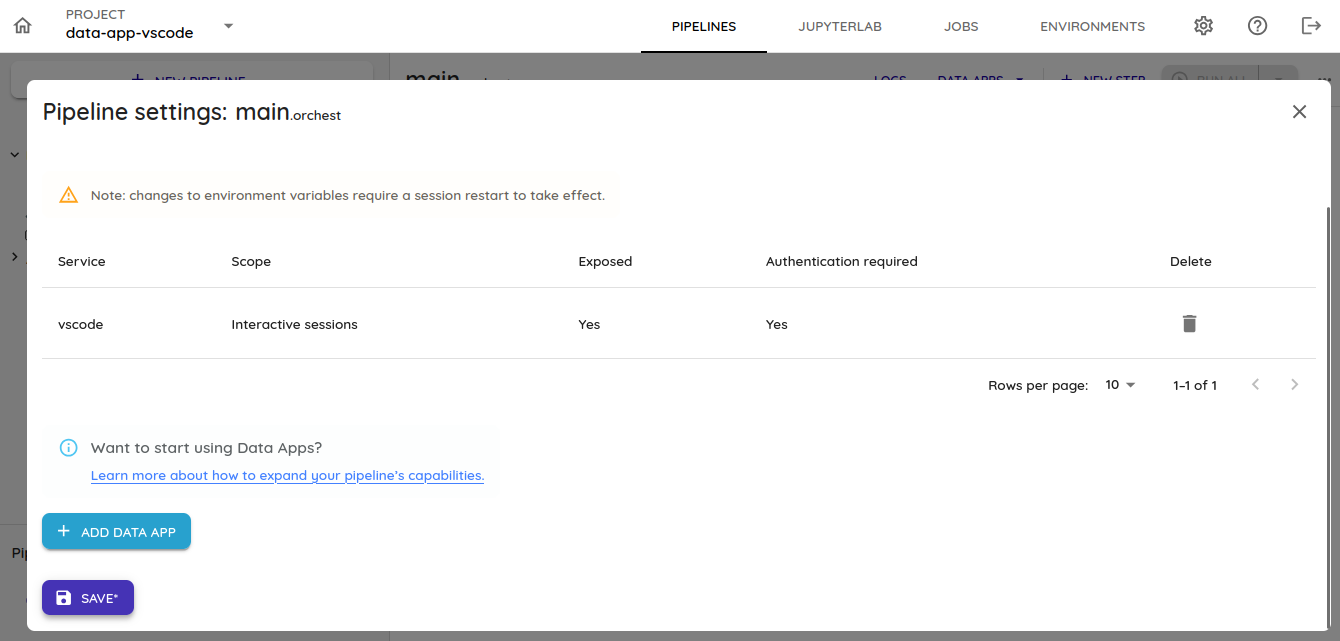
- Save and restart the pipeline session, keeping the default configuration commands.

- After the pipeline session is reset, the VS Code option becomes available in
DATA APPS.