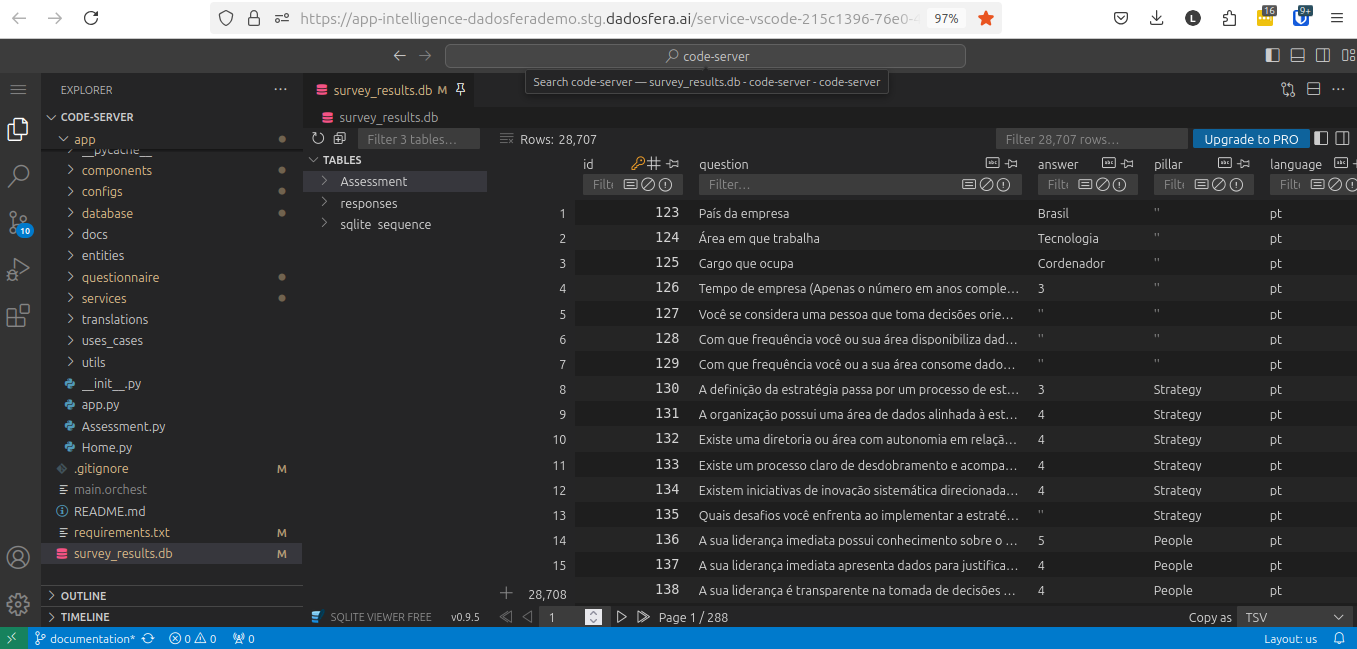
Installing the SQLite Viewer Extension in VS Code
Prerequisites
- Have a Dadosfera user account.
- Have access to the Intelligence module.
- Have a project created in the Intelligence module.
- Have a VS Code service (Data App) installed in the project.
Installing the SQLite Viewer extension
- Open the Extensions area and search for
sqlite.
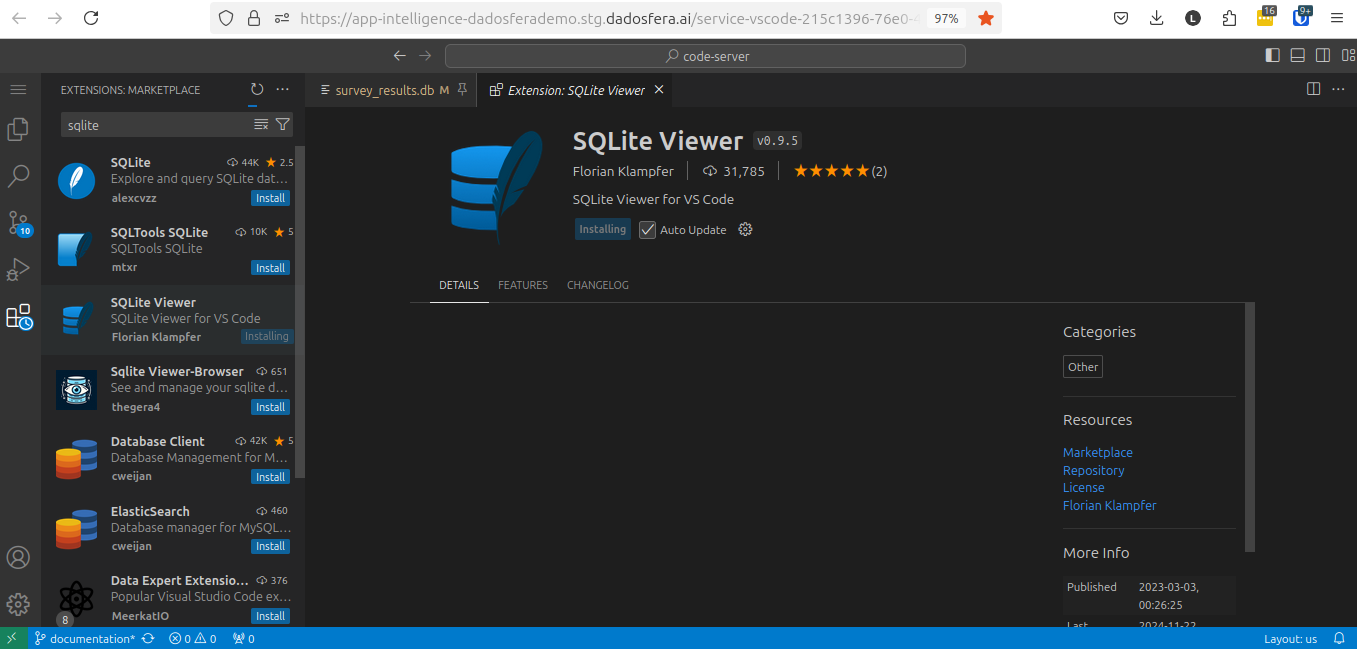
- After installing SQLite Viewer, you will be able to inspect the
sqlite3 database directly inside VS Code.