Overview
What Is the AutodriveDDF Data App?
It is an intelligent application designed to deliver value to business areas through data and technology. This application, built on Dadosfera.ai, integrates with multiple data sources, including public websites, private databases, Excel files, and even enterprise content that is usually harder to process, such as images, audio, and videos.
Purpose
Make it easier to find answers in large volumes of data through an intuitive, user-friendly experience powered by AI focused on your company's documentation.
Available file formats depend on the subscribed plan and may include:
| File Type | Supported Formats |
|---|---|
| Images | png, jpeg |
| Text Documents | txt, pdf, docx, pptx |
| Spreadsheets | xls, xlsx, csv |
| Videos | MP4, MPEG, MPGA, MPG, MPEG4, M4A, WEBM |
Autodrive vs ChatGPT
ChatGPT:
Monthly subscription per user
Access only to generative AI data sources
Information limited to 2021
User data collection
Autodrive:
Unlimited users starting from the Premium plan
Direct access to your company's database
Information security
Support for video, audio, and text documents
Analysis of up-to-date information
User-based access control
Plans and Features
Autodrive DDF includes several advanced features, but they depend on your subscription tier.
For more details about the plans, access this link or contact us.
Tutorial
1) Choose the mode and content source
In the left sidebar, choose the mode: External Sources or Search Your Documents.
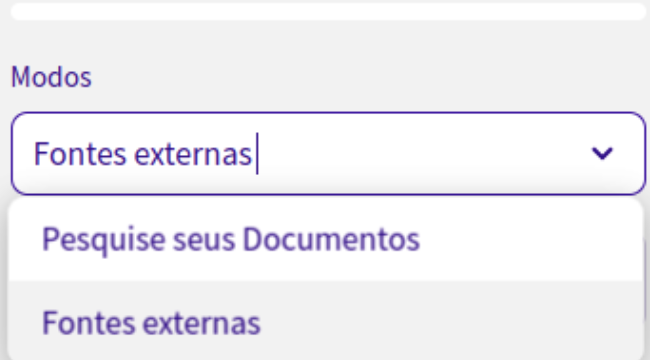
1.1) External sources
Currently, there is Escriba, which provides minutes from the legislative sessions of the Brazilian Chamber of Deputies.
1.2) Search your documents
In this mode, there are two content source options: Direct Upload or URL Input.
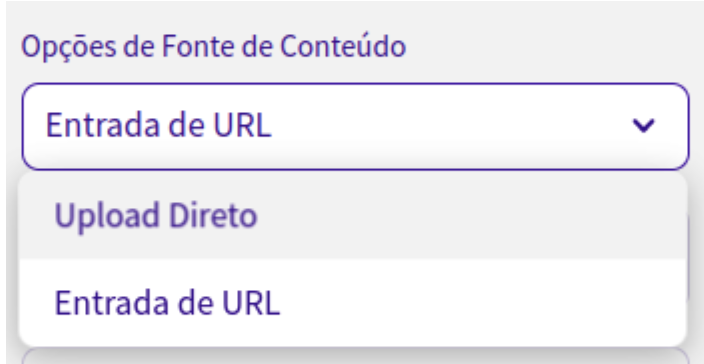
1.2.1) Direct Upload
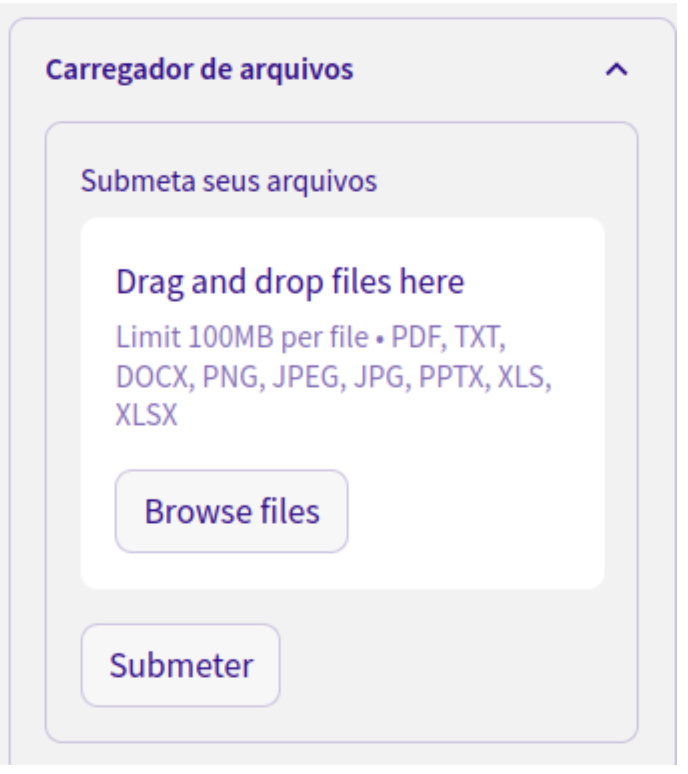
In this section, you can upload files in the following formats:
Images: png, jpeg
Text Documents: txt, pdf, docx, pptx
Spreadsheets: xls, xlsx, csv
Videos: MP4, MPEG, MPGA, MPG, MPEG4, M4A, WEBM
You can drag and drop a file directly from your computer into this section, or click "Browse files" and choose a file from your device.
1.2.2) URL Input
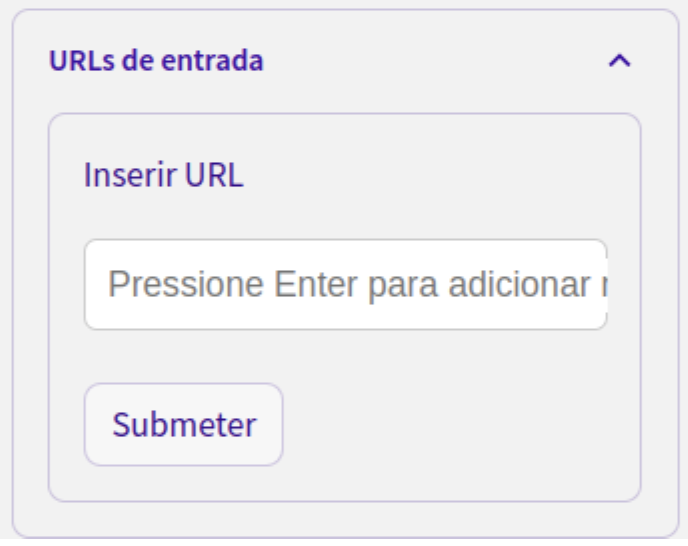
In this section, you can enter any URL and query its content. Just copy and paste the address (for example, g1.com.br), press Enter, and click "Submit".
You can add more than one link. Paste each one and press Enter for all desired links before clicking "Submit".
2) Advanced settings
For any selected mode or content source, configure the search in this section.
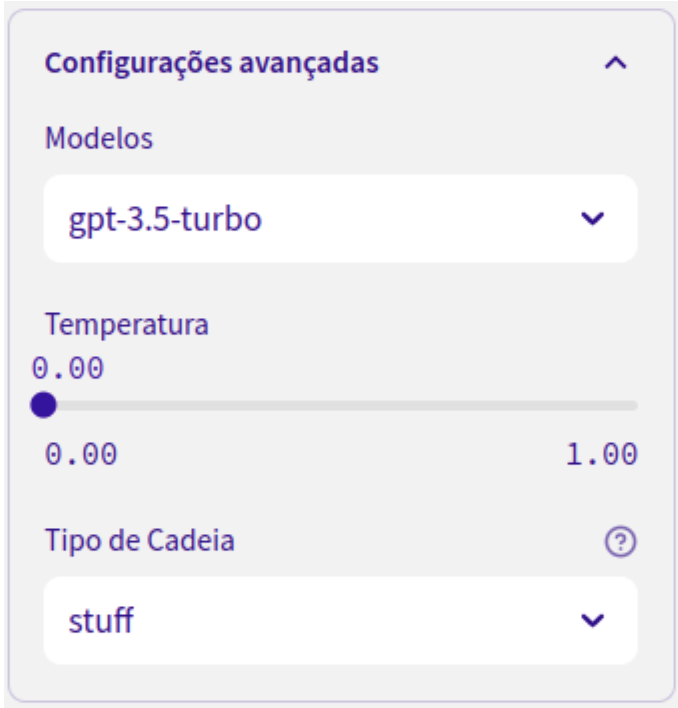
2.1) Models
Choose the GPT language model used for the search. A GPT model is an artificial neural network for natural language processing that uses deep learning concepts to generate accurate output. GPT models can perform tasks such as language translation, question answering, and summarization. This option depends on the selected plan.
2.2) Temperature
Choose the temperature to apply to the search. Temperature, represented by a value between 0 and 1, controls the probability distribution of the words generated by the model. The higher the temperature value, the more random and surprising the responses will be.
2.3) Chain type
Choose the method you want to use to process the documents:
'stuff': This is a default or reserved value.
'map_reduce': Use this for distributed processing of large datasets.
'refine': Use this to refine or improve the results from a previous step.
'map_rerank': Applies a mapping function and then reranks the results.