Bulk User Creation | Access Management
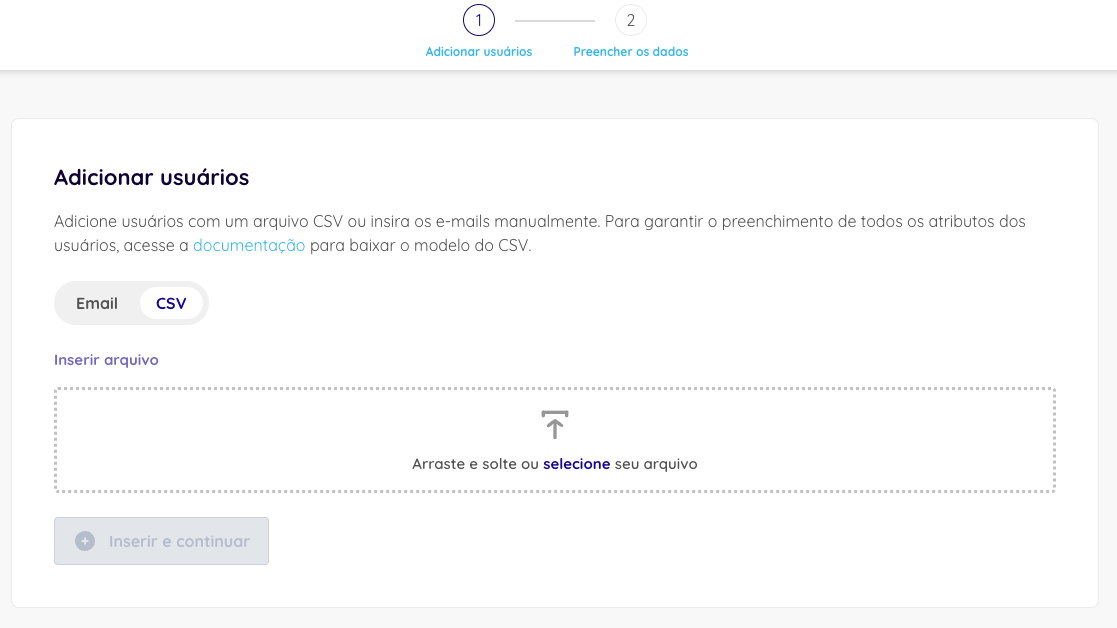
You can invite new users either by typing email addresses manually or by uploading a CSV file that follows this template:
Name,Email,Roles,Job title,Department
example,example@example.com,basic;other,Developer,Engineering
- Columns must be separated by commas (,).
- The group names (
roles) must match the names configured in Dadosfera exactly. - You can assign more than one group per user by separating them with semicolons (;).
Each invited user must receive at least one group during creation.
After creation, the user receives an email at the registered address to set their password.