Sharing with the Team | Dadosfera Documentation
1) Access Cataloged Dashboard
A few minutes after saving the dashboard in Metabase, it will be automatically cataloged and incorporated into Dadosfera:
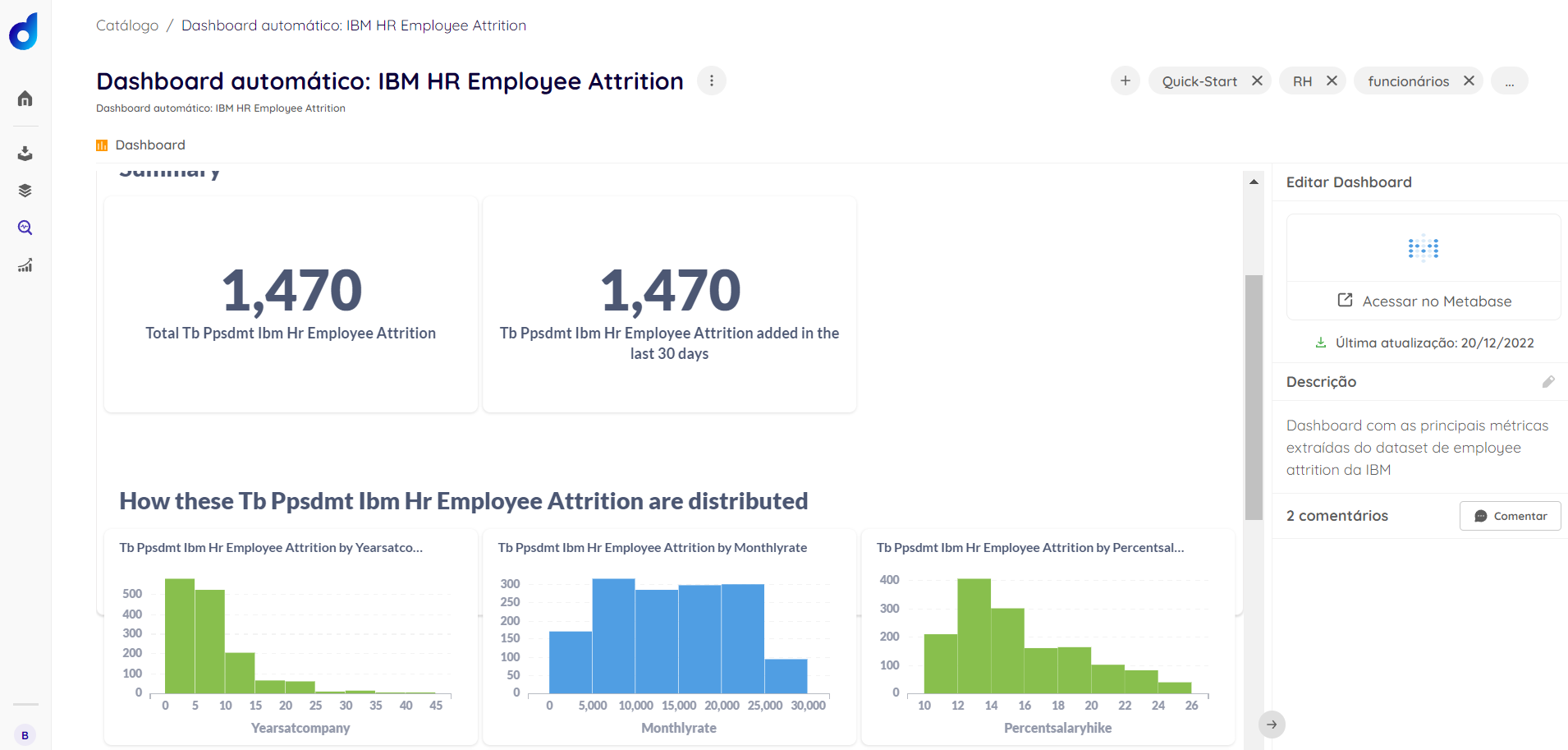
Center-aligned with border
2) Categorize and Share the Dashboard
Once your dashboard is cataloged, we recommend categorizing it with tags, just as was done with the table, and also sharing it with your team. To do this, simply:
- Click on the (...) button and go to Share
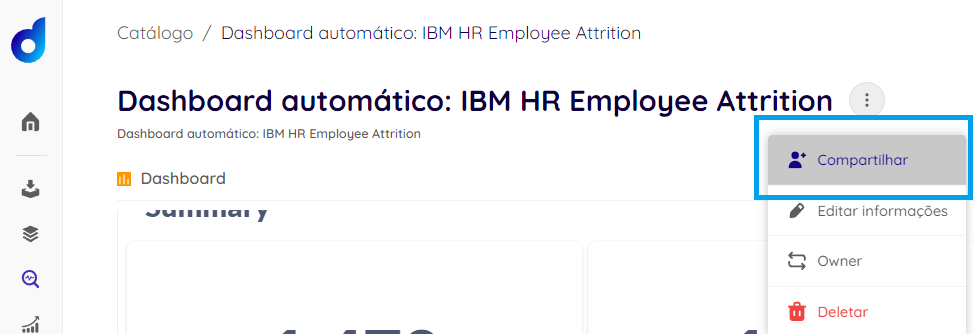
Center-aligned with border
- Search for Groups and/or Users who can access the asset and Save
Congratulations! In just a few minutes, you have generated valuable insights for your organization, all without depending on other teams, bureaucracy, or months of a data project. 🥳